How To Recover A UAE Pass Account 2026: Complete Guide To Recover Your Account
How To Recover A UAE Pass Account 2026. In today’s digital world, UAE Pass is an essential tool that connects you to government services, banking platforms, and digital signatures in the UAE. But many users face problems like forgetting their PIN, losing their phone, changing their mobile number, or dealing with app errors. In these situations, knowing how to recover a UAE Pass account becomes very helpful.
The important thing is that the recovery process is simple and secure. You can recover your account using the UAE Pass mobile app by selecting “I have an existing account,” entering your details, and completing facial biometric verification. If this method does not work, you can also use a UAE Pass kiosk to verify your identity and regain access.
In this guide, you will learn all recovery methods, step-by-step instructions, and helpful tips to fix common issues and protect your account in the future, all explained in a simple and easy way.
What Is UAE Pass and Why Account Recovery Matters
UAE Pass is the official digital identity for residents, citizens, and visitors in the UAE. It connects users to multiple services like:
- Government portals
- Banking services
- Digital document signing
- Identity verification
If you lose access to your UAE Pass account, you may not be able to use these services. That’s why knowing how to recover your account is very important. It saves time and keeps your digital identity secure.
Common Reasons Why UAE Pass Accounts Become Inaccessible
Before learning recovery steps, it is important to understand why accounts stop working.
1. Forgot UAE Pass PIN
Many users forget their 6-digit PIN, which blocks access to the account.
2. App Not Working Properly
Sometimes the UAE Pass app crashes or becomes outdated, causing login problems.
3. Changed or Lost Mobile Number
If your registered number is no longer active, you cannot receive OTP codes.
4. Lost Phone or New Device
When you switch to a new phone, your account may need reactivation.

5. Account Locked After Failed Attempts
For security reasons, multiple wrong attempts can temporarily lock your account.
How to Recover UAE Pass Account Using Mobile App
This is the most common and easiest method.
Step 1: Download or Open UAE Pass App
- Download the official UAE Pass app from Google Play Store or Apple App Store
- If already installed, open it
- Make sure you are using the latest version
Step 2: Select “I Have an Existing Account”
- Open the app
- Choose your language
- Click on “I have an existing account”
- Accept the Terms and Conditions
Step 3: Enter Your Details
You will be asked to enter one of the following:
- Emirates ID
- Registered mobile number
- Registered email address
After entering details, click Continue
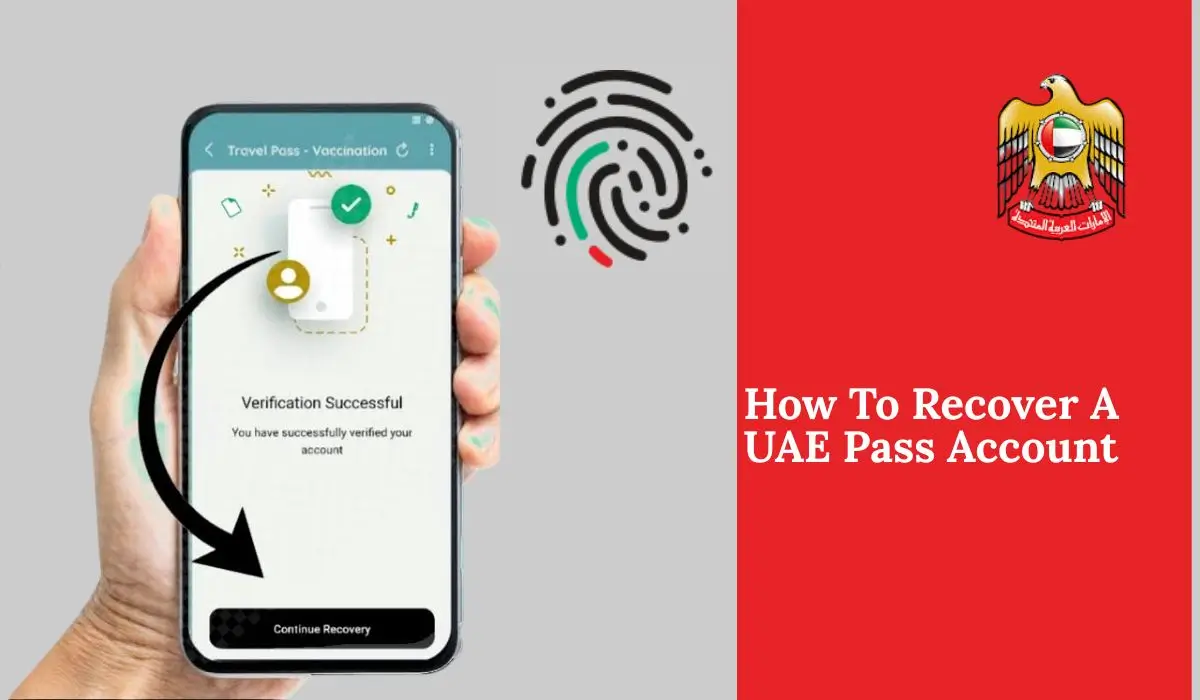
Step 4: Complete Face Verification
- Use your mobile camera for facial scanning
- Follow on-screen instructions carefully
- Wait for confirmation message: “Verification Successful”
Step 5: Create a New PIN
- Set a new 6-digit PIN
- Confirm the PIN
- You will see message: “Account Recovered Successfully”
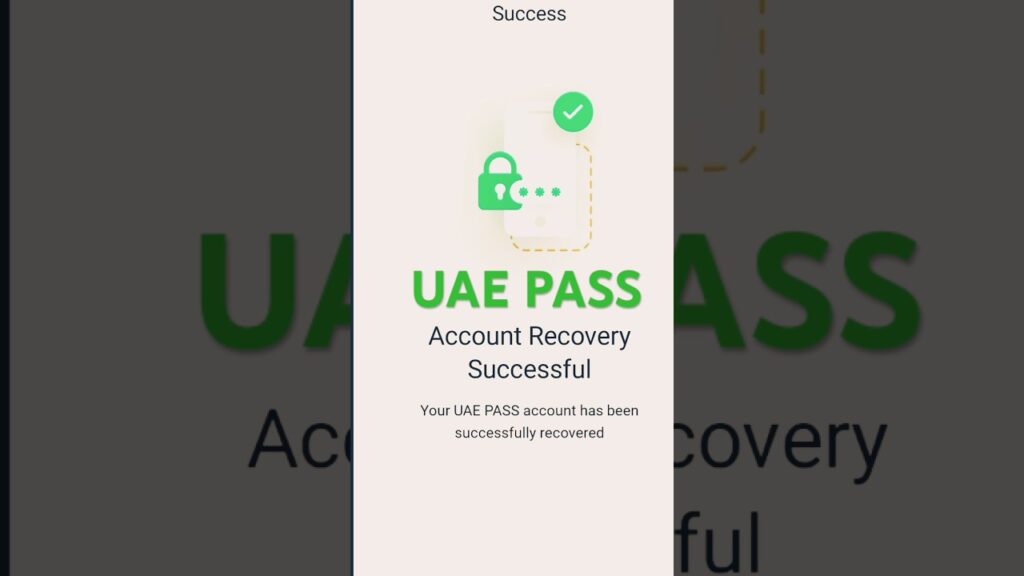
Now your UAE Pass account is ready to use again.
How to Recover UAE Pass Account at a Kiosk
If the mobile app method does not work, you can use a UAE Pass kiosk.
Step 1: Find Nearest Kiosk
- Search UAE Pass kiosk location online
- Visit the nearest available kiosk
Step 2: Verify Your Identity
- Insert your Emirates ID into the kiosk machine
- Follow instructions on screen
Step 3: Recover Account
- Remove your account from old device if required
- Complete verification process
- Create a new PIN
Now your account will be restored successfully.
How to Recover UAE Pass Account Without Mobile Number
Sometimes users lose access to their registered number. In that case:
- Use Emirates ID for verification
- Visit a UAE Pass kiosk
- Complete facial recognition
- Or contact support team
UAE Pass Account Recovery via OTP Method
If your email or phone is still active:

- Enter email or mobile number
- Receive OTP code
- Enter OTP for verification
- Set new PIN
This method is fast and simple.
How to Recover UAE Pass If You Forgot PIN
If your only issue is a forgotten PIN, follow this method:
- Open UAE Pass app
- Select “I have an existing account”
- Enter email or phone number
- Complete OTP verification
- Create a new PIN
Your account will be restored without losing data.
What to Do If UAE Pass App Is Not Working
Sometimes users face technical issues. Try these steps:
- Uninstall the UAE Pass app
- Reinstall it from official store
- Restart your phone
- Try account recovery again
- Ensure internet connection is stable
Important Notes During Recovery
Keep these points in mind:
- Recovery will remove account from old device
- Always use correct registered information
- Facial verification is required for security
- Do not use unofficial apps or websites
How to Prevent Future UAE Pass Problems
To avoid future issues, follow these tips:
Keep Your Details Updated
Always update your mobile number and email.
Remember Your PIN
Use a PIN that is easy for you but hard for others.
Enable Biometric Login
Use fingerprint or face unlock for faster access.

Do Not Share Account Details
Keep your login information private.
Is UAE Pass Account Recovery Safe?
Yes, UAE Pass recovery is completely safe because:
- It is managed by UAE government
- Uses strong biometric security
- No third-party access allowed
- Data is encrypted and protected
Always avoid fake recovery services online.
Troubleshooting Tips For UAE Pass Login Issues
If recovery still does not work:
- Try another device
- Clear app cache
- Check internet connection
- Update your phone software
- Contact support team
Contact UAE Pass Support
If you need help, you can contact:
- UAE Pass support hotline: 600 561111
- Email support team
- Visit nearest service center or kiosk
FAQs About UAE Pass Account Recovery
How can I recover my UAE Pass account if I forgot my PIN?
Ans: If you forget your UAE Pass PIN, you can easily recover your account through the mobile app. First, open the app and select the option “I have an existing account.” After accepting the terms and conditions, enter your registered email, mobile number, or Emirates ID. Then complete the facial biometric verification using your phone camera. Once your identity is confirmed, you will be asked to create a new 6-digit PIN. After setting the new PIN, your account will be recovered successfully and you can log in again without losing your data.
What should I do if UAE Pass app is not working?
Ans: If the UAE Pass app is not working, the best solution is to uninstall the app completely from your mobile device and then download it again from the official app store. After reinstalling, open the app, select your language, and choose “I have an existing account.” Follow the recovery steps by entering your registered details and completing face verification. In most cases, reinstalling the app and performing account recovery fixes technical issues quickly.

Can I recover my UAE Pass account without my mobile number?
Ans: Yes, you can recover your UAE Pass account even if you no longer have access to your registered mobile number. You can use your Emirates ID or registered email address instead. If that does not work, you can visit a UAE Pass kiosk where you can verify your identity using your Emirates ID and biometric verification. This ensures that you are still able to recover your account without depending only on your phone number.
What happens if facial verification fails during recovery?
Ans: If facial biometric verification fails during the recovery process, you can try again by following the instructions carefully and ensuring good lighting and camera clarity. However, if it fails multiple times (usually three attempts), the system will suggest using an alternative method. In this case, you should visit a UAE Pass kiosk where you can complete identity verification physically and recover your account without any issue.
Can I recover my UAE Pass account on a new phone?
Ans: Yes, you can easily recover your UAE Pass account on a new phone. Simply download the UAE Pass app on your new device, open it, and select “I have an existing account.” Enter your registered details and complete the facial verification process. Once verified, set a new PIN. During this process, your account will automatically be removed from the old device and activated on your new phone.
Will I lose my data after recovering my UAE Pass account?
Ans: No, you will not lose your data after recovering your UAE Pass account. All your personal information, linked services, and digital identity remain محفوظ and unchanged. The recovery process only restores your access to the account and allows you to create a new PIN. It does not delete or reset your account data.
Is UAE Pass account recovery safe and secure?
Ans: Yes, UAE Pass account recovery is completely safe and secure because it is managed by the UAE government. The system uses advanced security features such as facial biometric verification and encrypted data protection. This ensures that only the real account owner can recover access. As long as you follow official methods, your account remains fully protected.
How long does it take to recover a UAE Pass account?
Ans: Recovering a UAE Pass account usually takes only a few minutes if you follow the correct steps. The mobile app recovery process is very fast and can be completed within 5 to 10 minutes, including verification and PIN setup. However, if you need to visit a kiosk due to verification issues, it may take a little longer depending on your location and availability.
What should I do if my UAE Pass account is locked?
Ans: If your UAE Pass account is locked due to multiple failed login attempts, you can unlock it by performing the account recovery process. Open the app, select “I have an existing account,” and follow the steps for verification. After completing facial verification and setting a new PIN, your account will be unlocked and ready to use again.
Who should I contact if I cannot recover my UAE Pass account?
Ans: If you are unable to recover your UAE Pass account using the app or kiosk, you should contact the official UAE Pass support team. You can call their helpline or send an email explaining your issue. The support team will guide you through the process and help you restore your account safely. This ensures that you always have a reliable option if self-recovery does not work.
Conclusion
Recovering your UAE Pass account is simple if you follow the right steps. You can use the mobile app by entering your details, completing facial verification, and setting a new PIN. If the app method fails, you can visit a UAE Pass kiosk and verify your identity using your Emirates ID. Even without a mobile number, recovery is still possible. Always keep your details updated and your PIN secure. UAE Pass uses strong security, so the recovery process is safe, helping you quickly regain access to important digital services.